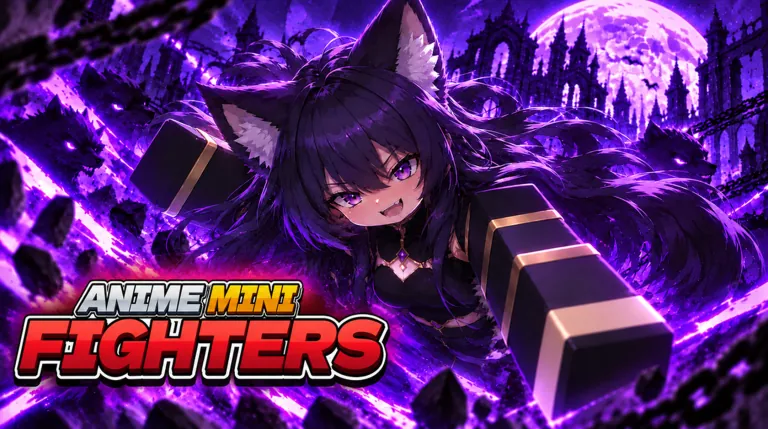
 Official Anime Mini Fighters imagery; in-game systems may change after updates.
Anime Mini Fighters is an engaging Roblox experience developed by Gaming Squad Studios where players roll dice to summon tiny anime fighters and send them through multiple worlds. Because the game runs exclusively within the Roblox platform, players interested in console compatibility often wonder how access works across different devices.
Can You Play Anime Mini Fighters on PS5?
Anime Mini Fighters is directly tied to the Roblox platform, meaning its availability on consoles depends on official Roblox console support. While Roblox is widely accessible on PlayStation 4 and other supported systems, native application support for the PlayStation 5 version of Roblox allows you to access various experiences through the console dashboard.
To check current compatibility, you can open the Roblox app on your PlayStation 5 console and search for the exact title in the experience directory. Because platform integrations and client updates can shift over time, it is always recommended to verify the current dashboard availability directly through your console's store interface.
How to Access Roblox Experiences on PlayStation
If you want to search for and launch experiences using your console hardware, the navigation process involves a few standard steps. Always follow these sequential actions to locate and launch supported titles:
- Turn on your PlayStation 5 and log into your primary profile.
- Open the PlayStation Store or locate the pre-installed Roblox application from your home screen.
- Launch the Roblox client and sign in using your existing account credentials.
- Navigate to the search bar inside the Roblox application interface.
- Type the exact title, such as Anime Mini Fighters, and select the official experience card created by Gaming Squad Studios to launch.
Supported Platforms for Anime Mini Fighters
Understanding where the game officially runs helps prevent confusion with similarly named Steam, mobile, or standalone console releases. The developer data and platform listings confirm the operational ecosystem for this specific experience.
| Platform Category | Support Status | Notes |
|---|---|---|
| PC & Mobile | Fully Supported | Direct browser and mobile app access via Roblox. |
| PlayStation Consoles | Officially Supported | Accessible via the PlayStation Roblox client. |
| Xbox Consoles | Officially Supported | Accessible via the Xbox Roblox client. |
| VR Headsets | Select Devices | Supported on Meta Quest 2 and Meta Quest Pro via Roblox VR. |
Gameplay Overview on Console
Playing Roblox experiences on a console offers a different control scheme compared to keyboard, mouse, or touchscreens. You will typically use the DualSense wireless controller to navigate menus, manage your squad of tiny anime fighters, and interact with user interface elements like the Store or dice-rolling mechanics.
Because console layouts rely heavily on thumbstick cursor navigation or button mapping, managing inventory, stacking luck, and claiming offline coin earnings requires familiarizing yourself with the platform's specific menu shortcuts. Keep in mind that performance can vary depending on your console hardware connection, server population, and active visual updates deployed by the developers.
FAQ
Can I play Anime Mini Fighters natively as a standalone PS5 game?
No, Anime Mini Fighters is a Roblox experience developed by Gaming Squad Studios and must be played from inside the main Roblox application rather than purchased as a standalone PlayStation 5 disc or digital store game.
Is progress saved between PC and PlayStation?
Yes, your Roblox account syncs your progression, stats, and unlocked units automatically as long as you log into the exact same account across your devices.
Why can't I find Anime Mini Fighters on my console?
If an experience does not appear in your console search results, it may be due to regional restrictions, platform age ratings, or temporary client visibility updates within the Roblox console directory.
Do active codes work when playing on console?
Yes, you can redeem working promotional codes by opening the Store menu within the game on your console and entering the code text into the designated redemption box.